
EGPNL
Server Control Panel
A modern, powerful, all-in-one control panel for Nginx management, server monitoring, SSL automation, and complete hosting control. Everything you need to manage your server efficiently.
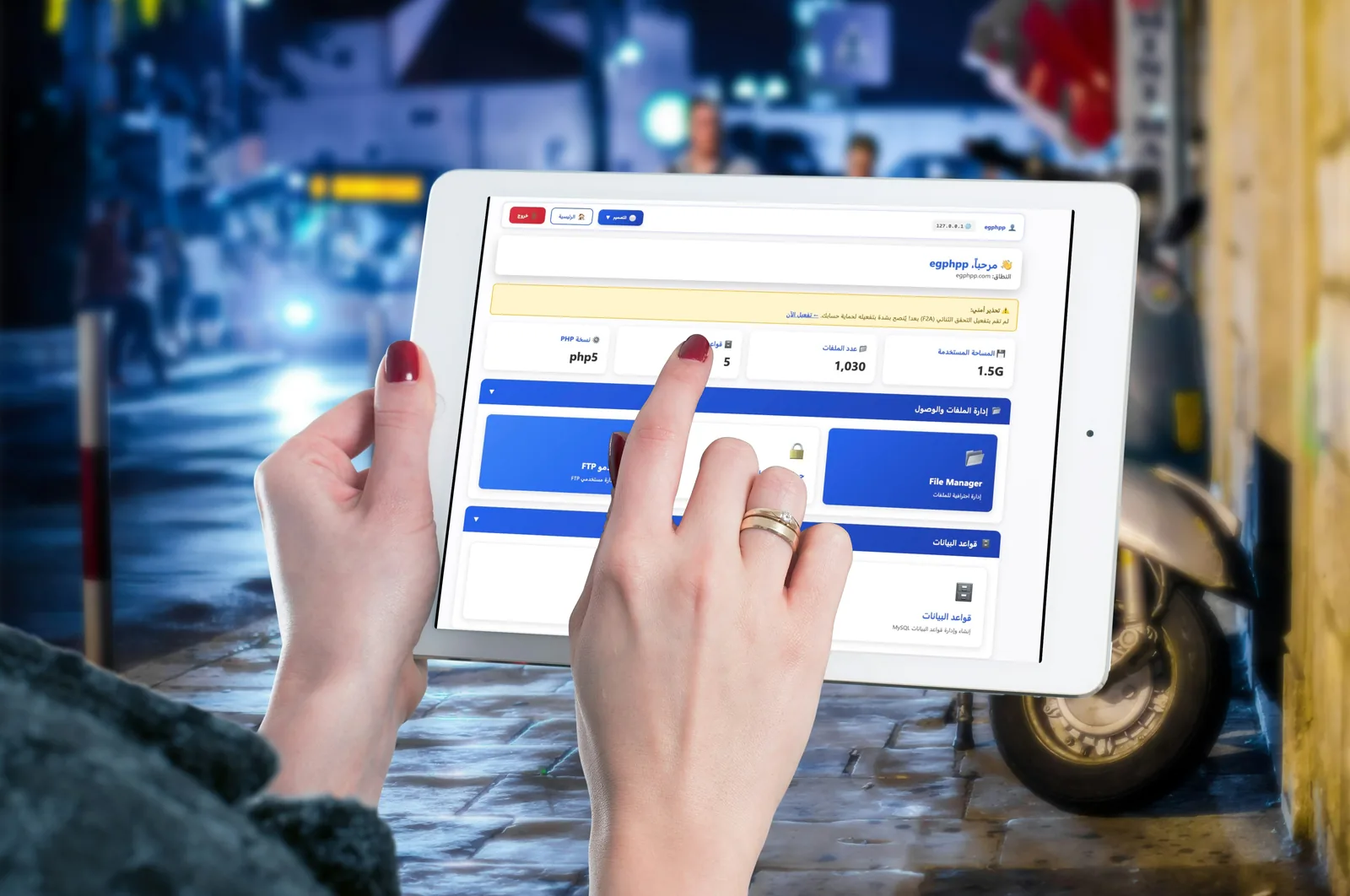
Dashboard Screenshots
See EGPNL in action - powerful features with an intuitive interface
Powerful Features
Everything you need to manage your server efficiently
Nginx Management
Complete control over your Nginx server with easy configuration, virtual hosts, and performance optimization.
Auto SSL Certificates
Automatic Let's Encrypt SSL certificate installation and renewal for all your domains.
Database Tools
MySQL/MariaDB management with phpMyAdmin integration, backups, and user management.
Domain Management
Unlimited domains and subdomains with DNS management and easy configuration.
FTP Management
Create and manage FTP accounts with secure access to your server files.
Real-time Monitoring
Monitor server resources, bandwidth, and performance in real-time with detailed analytics.
What the panel manages, area by area
Six areas, one login. Each card lists what you handle there without opening a terminal.
-
Sites & PHP
- Nginx virtual hosts, with a reload button
- PHP version chosen per site
- Per-site PHP pool with its own limits
- One-click WordPress, Laravel and Node.js
-
Domains & DNS
- Domains and subdomains
- DNS records in the same place
- Document root and PHP socket shown for each site
-
SSL certificates
- Let's Encrypt install and renewal
- HTTP-01 and DNS-01 verification
- Wildcard certificates
- OCSP stapling
-
Databases
- MySQL and MariaDB
- Users and grants through a wizard
- One-click phpMyAdmin sign-in
- InnoDB table optimisation
-
Files, FTP & mail
- FTP accounts
- Web file manager: upload, edit, extract
- Email accounts with webmail and forwarding
-
Backups, firewall & monitoring
- Nightly database dumps
- Backup management
- Firewall configuration
- Live server resources and bandwidth
- Alerts and notifications
New to the panel? The EGPNL overview in the Help Centre walks through the dashboard, section by section.
A day in the panel, and the same day by hand
Six jobs a site owner does in an ordinary day, done in the panel and on a bare server with a shell. The commands are the usual Linux equivalents; paths differ a little between distributions.
-
Morning
Put a new site online
In the panelAdd the domain. The Nginx virtual host is created and Nginx reloads from the same screen.
By hand on a bare serverWrite the server block, test the syntax, then reload. Nginx keeps serving the old configuration if a reload fails.
nginx -t && nginx -s reload -
Mid-morning
Turn on HTTPS
In the panelRequest the certificate and pick HTTP-01 or DNS-01. Installation and renewal are automatic.
By hand on a bare serverRun an ACME client. Let's Encrypt certificates last 90 days and are best renewed about every 60; a wildcard needs the DNS-01 challenge, so a TXT record must be created on every renewal.
certbot --nginx -d example.com -
Midday
Move one site to another PHP version
In the panelChoose the version for that site only. Every other site keeps its own pool and settings.
By hand on a bare serverInstall the second PHP-FPM version, point that site's Nginx block at its socket, and reload Nginx.
fastcgi_pass unix:/run/php/php8.3-fpm.sock; -
Afternoon
Give an app its own database
In the panelThe grant wizard creates the database and its user; phpMyAdmin opens with one click.
By hand on a bare serverCreate the database and the user, then grant it rights, in the MariaDB shell. Install a web client separately if you want one.
CREATE DATABASE app; CREATE USER 'app'@'localhost' IDENTIFIED BY 'change-me'; GRANT ALL ON app.* TO 'app'@'localhost'; -
Evening
Let a contractor upload files
In the panelCreate an FTP account for the site, and delete it when the job is done.
By hand on a bare serverCreate a system user, install and configure an FTP daemon, and restrict the account to the site's directory.
adduser contractor -
Overnight
Backups and watching the server
In the panelNightly dumps run without you, and resources and bandwidth stay on the dashboard.
By hand on a bare serverSchedule a dump from cron, rotate the old files and copy them off the server. Check disk and load by hand.
mysqldump --single-transaction app > app.sql
df -h
Use whichever route suits the job: the panel for the routine work, a shell for anything unusual.
EGPNL vs Traditional Panels
See why EGPNL is the smart choice for Nginx server management
| Feature | EGPNL | cPanel | Plesk |
|---|---|---|---|
| Native Nginx Support | Limited | ||
| Automatic SSL (Let's Encrypt) | |||
| Affordable Pricing | |||
| Modern, Clean Interface | Outdated | ||
| Lightweight & Fast | Moderate | ||
| One-Click App Install | |||
| Real-Time Monitoring | |||
| Database Management | |||
| FTP Management | |||
| Monthly Price | 104.16 $ | ~37.88 $+ | ~28.41 $+ |
* Prices are approximate and may vary based on license type and provider
Simple, Affordable Pricing
Get full access to all features with our monthly subscription
What's Included:
- Full access to EGPNL Panel
- Unlimited domains & sites
- Automatic SSL certificates
- Database management
- FTP account management
- Real-time server monitoring
- Email support
Have Questions?
We're here to help! Contact us for any inquiries about EGPNL.

Questions and answers
What can I manage in EGPNL?
Nginx virtual hosts, SSL certificates, MySQL and MariaDB databases with phpMyAdmin, FTP accounts, domains with their DNS, and server monitoring, all behind one login.
How does EGPNL handle SSL certificates?
Are my databases backed up?
EGPNL takes automated nightly dumps of your databases, and phpMyAdmin opens from the panel with one click.
Do I still need a terminal?
Not for routine work. The panel covers the everyday jobs; a shell stays there for anything unusual.
It requests and renews them on its own over ACME, proving the domain with HTTP-01 or, for wildcards, DNS-01 verification.